Homedeck Edge
Brings your Home Assistant to the CORSAIR XENEON EDGE touchscreen as glowing live tiles: switch and dim lights and heating.
 Beta
PC stats for the touchscreen
See on the CORSAIR XENEON EDGE touchscreen how hot and busy your PC is, without opening a program.
When you play or work, you want to know whether your PC is getting too hot, without opening a program or leaving your game.
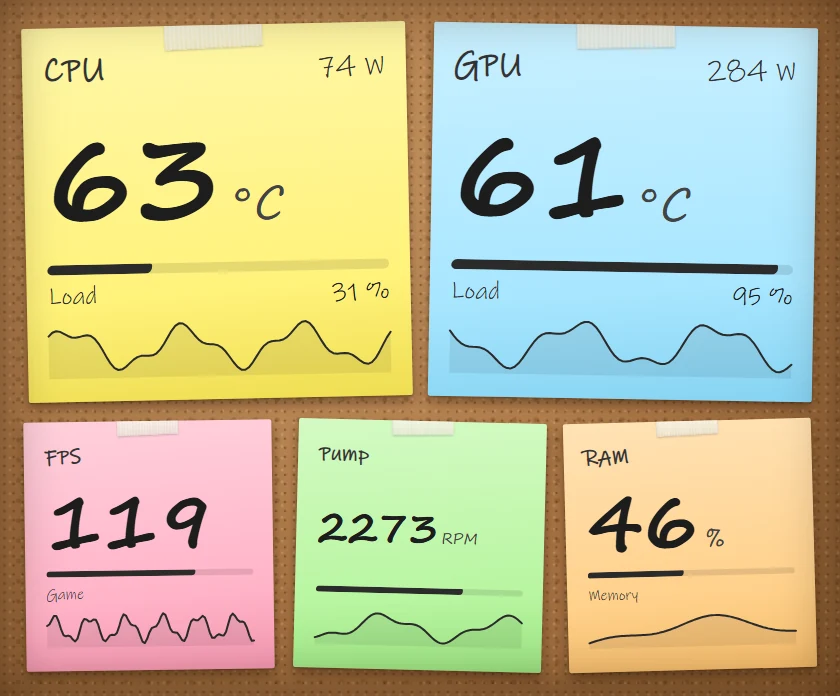
Specdeck Edge shows the temperature of your processor and graphics card in large numbers on the wide display of your XENEON EDGE, plus load, FPS in games, fan or pump and memory. Small history lines show how the values develop.
It is made for everyone with a XENEON EDGE. You only need the widget, no extra program.
| System | Windows · CORSAIR iCUE 5.52 or newer · XENEON EDGE |
|---|---|
| Status | Version 0.9.0, first public version (beta) |
| License | MIT (free software) |
| Technology | HTML/CSS/JavaScript (iCUE widget using the iCUE plugins for sensors and FPS) |
| Source code | GitHub |
| Downloads | GitHub Releases |
| Setup guide | Guide on GitHub |
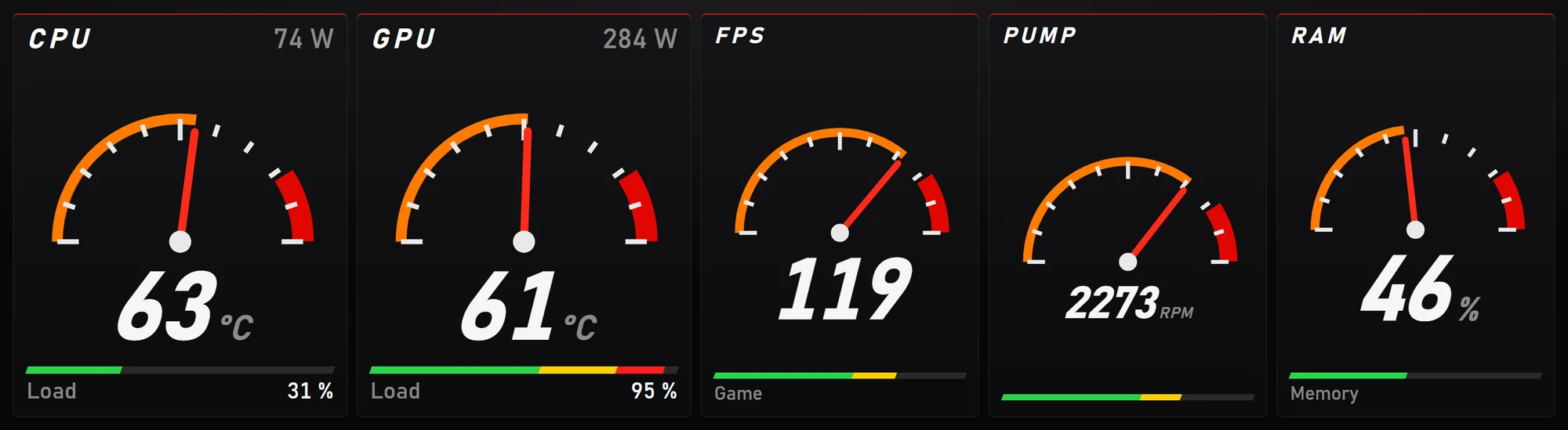
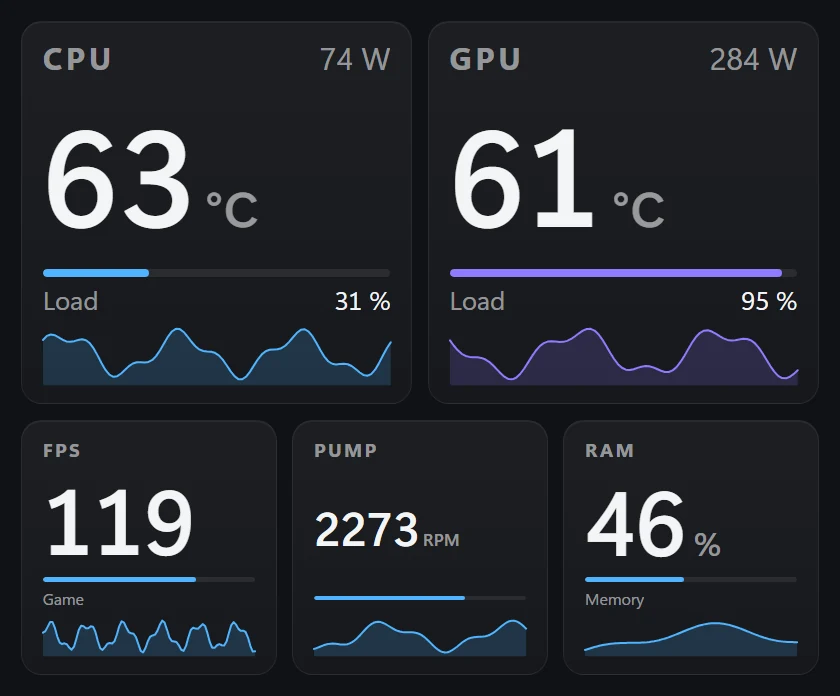
Processor and graphics card are large at the top, with load and a history line. Below you see FPS, pump or fan and memory. The picture shows the default style “Dark UI”.
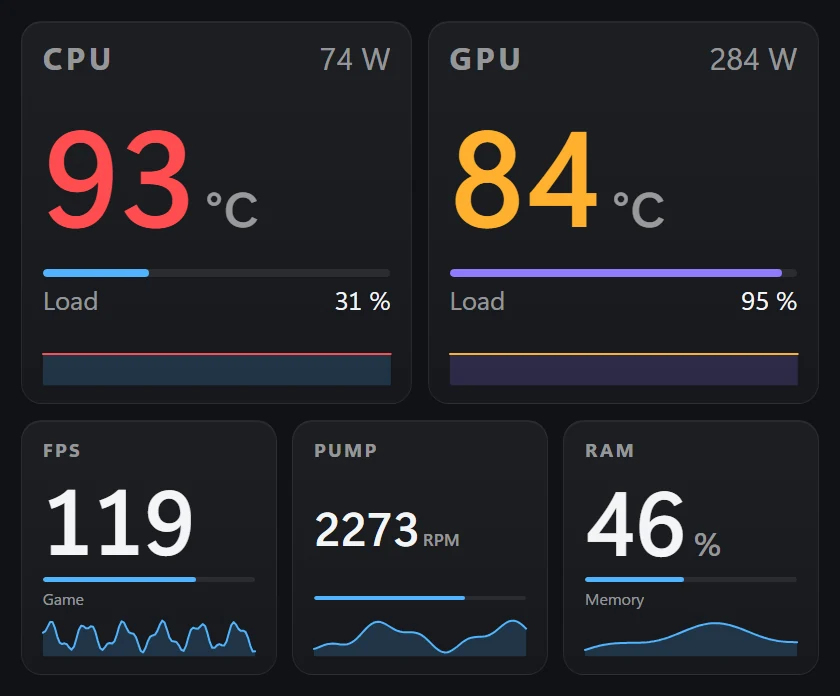
Above a limit that you can set, the number turns yellow. The default is 80 °C. Ten degrees above that it turns red.
iCUE often suggests the wrong sensors, for example the coolant temperature instead of the processor temperature. So Specdeck looks for the right ones itself. If you like, you switch the automatic off and choose yourself.
Whatever your PC does not report disappears, and the other tiles take the space. If there is no memory sensor, the tile shows the graphics memory. If the mainboard gives no fan data, it shows the fan of the graphics card.
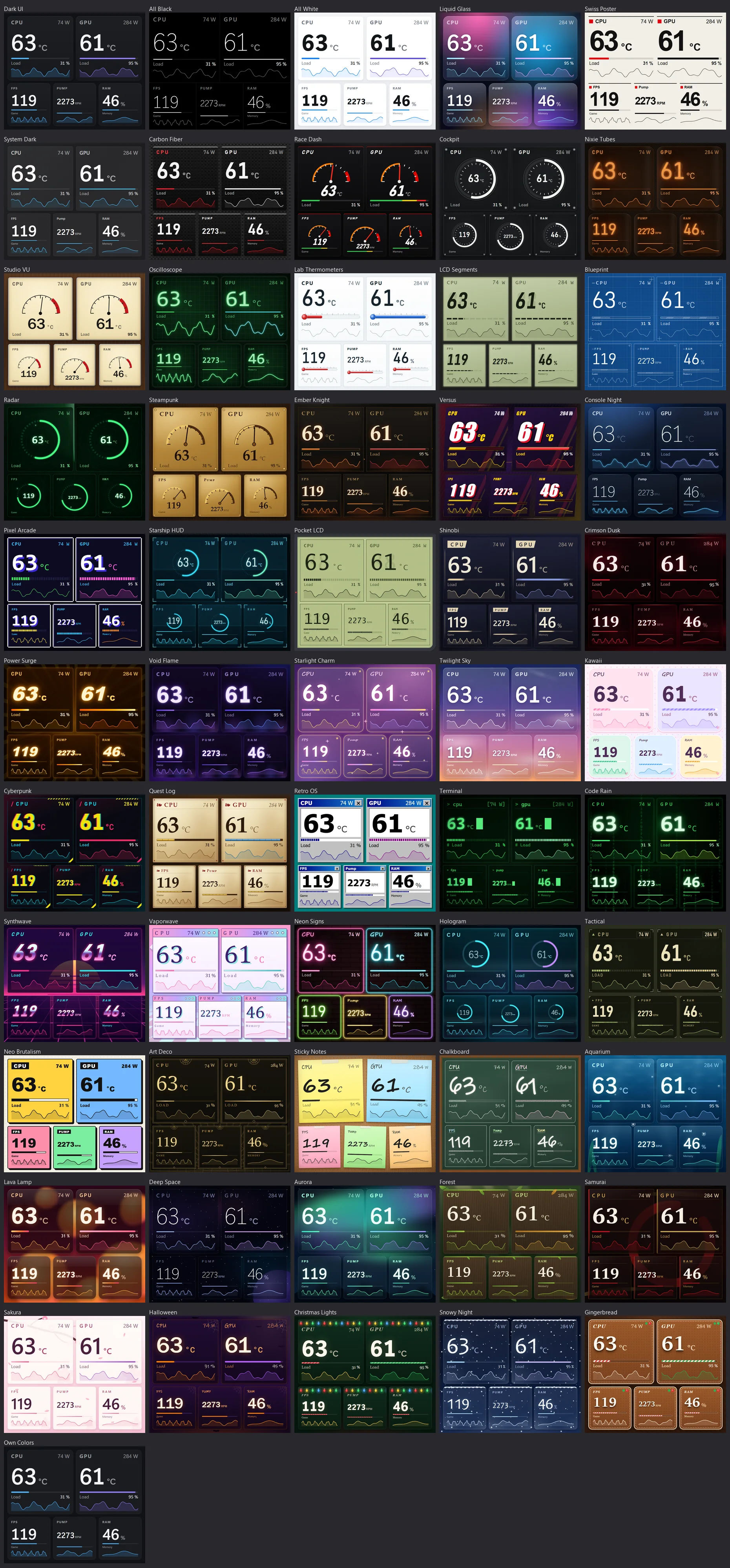
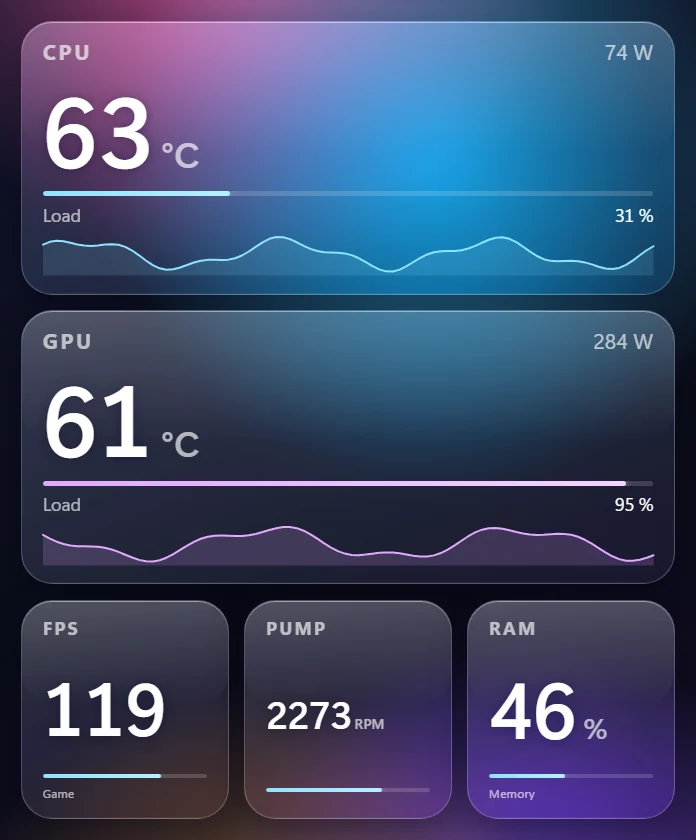
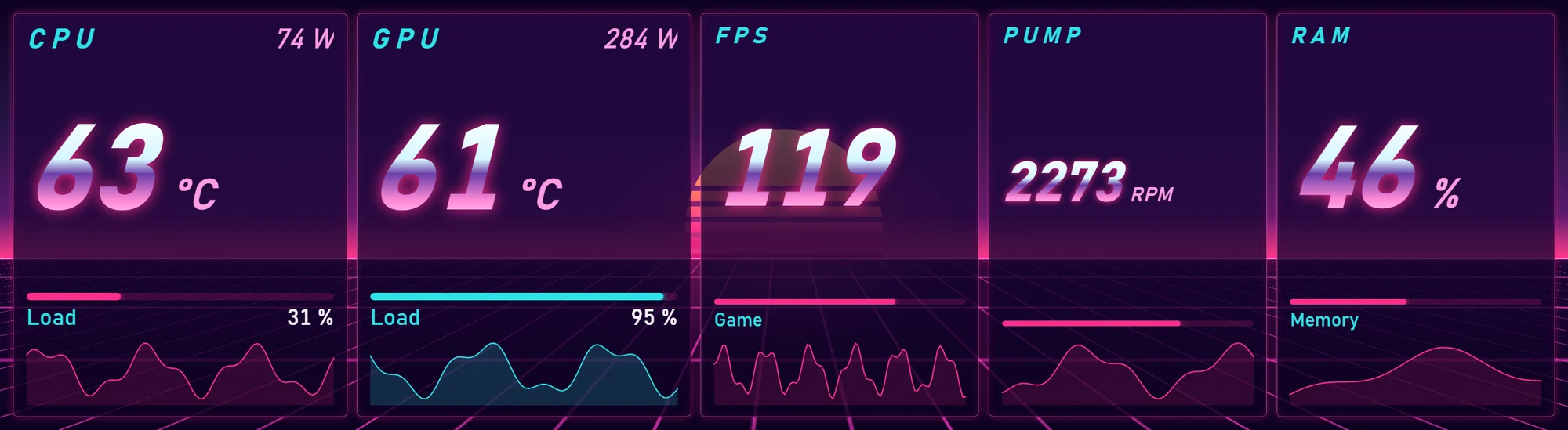
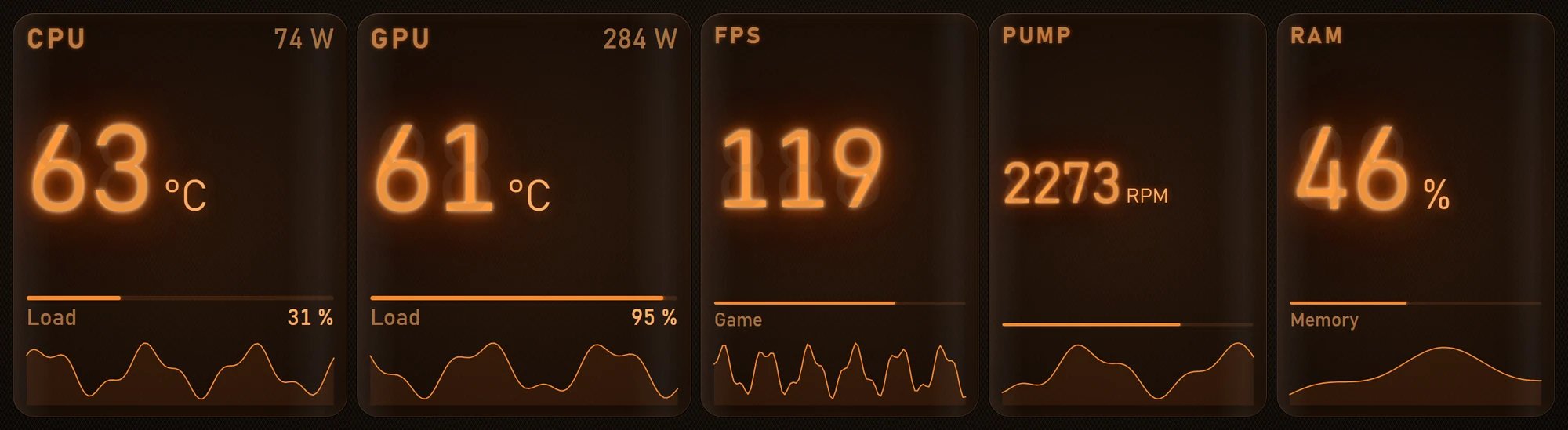
From plain to playful: Dark UI, Pure Black and Liquid Glass, instruments like Race cockpit, Nixie tubes, Studio VU meter, Oscilloscope, Radar and Steampunk, plus Synthwave, Sticky notes, Chalkboard, Aquarium, Lava lamp and Sakura. For the seasons there are Halloween, Fairy lights, Snowy night and Gingerbread. All styles are original designs. Or you use your own colors. The picture lists all styles with their names. Click it to enlarge.
The widget fits every size of the Edge, from small (S) to XL, horizontal and vertical.
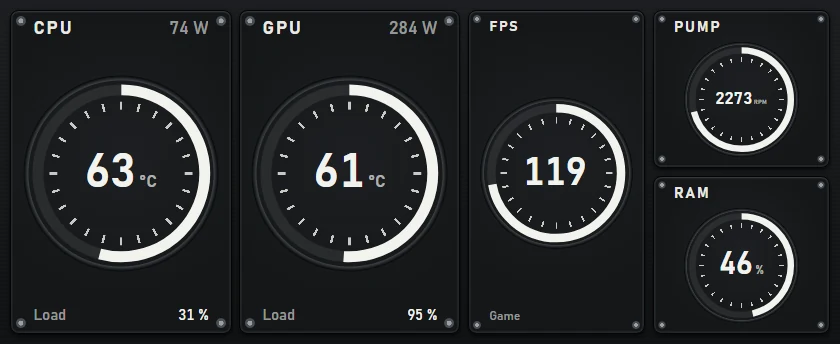
It also looks good upright, here in the “Liquid Glass” style.
Specdeck-0.9.0.icuewidget.You need no installer and no administrator rights. More is in the setup guide on GitHub.
Brings your Home Assistant to the CORSAIR XENEON EDGE touchscreen as glowing live tiles: switch and dim lights and heating.
Shows a calm space scene with a big clock on the CORSAIR XENEON EDGE touchscreen, plus tasks, calendar, timer, music and shortcuts.
Gives every app on your PC its own volume slider on the CORSAIR XENEON EDGE touchscreen, with automatic ducking during calls.
Control Discord from the CORSAIR XENEON EDGE touchscreen: voice channel, chat and direct messages, without leaving your game.
Specdeck Edge is an independent project and is not affiliated with CORSAIR. iCUE and XENEON are trademarks of CORSAIR. The styles are original designs and are not affiliated with any game or anime.