Homedeck Edge
Brings your Home Assistant to the CORSAIR XENEON EDGE touchscreen as glowing live tiles: switch and dim lights and heating.
 Beta
Volume mixer for the touchscreen
Give every app on your PC its own volume slider on the CORSAIR XENEON EDGE touchscreen, without leaving your game.
The music is too loud, the game too quiet, and Discord talks over everything. Normally you have to leave the game and dig through the Windows settings.
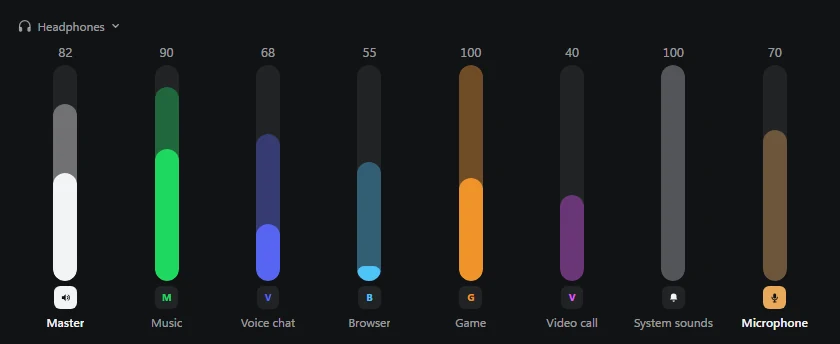
Mixdeck Edge shows a slider with a level meter on the wide display of your XENEON EDGE for every app that is playing sound. New apps appear by themselves and disappear when they are closed. There is nothing to set up.
It is made for everyone with a XENEON EDGE who wants to change volumes quickly while playing, streaming or working from home.
| System | Windows 10/11, 64 bit · CORSAIR iCUE 5.52 or newer · XENEON EDGE |
|---|---|
| Status | Version 0.9.0, first public version (beta) |
| License | MIT (free software) |
| Technology | C#/.NET 8 with NAudio (helper program), HTML/CSS/JavaScript (iCUE widget) |
| Source code | GitHub |
| Downloads | GitHub Releases |
| Setup guide | Setup on GitHub |
| Privacy | Privacy on GitHub |
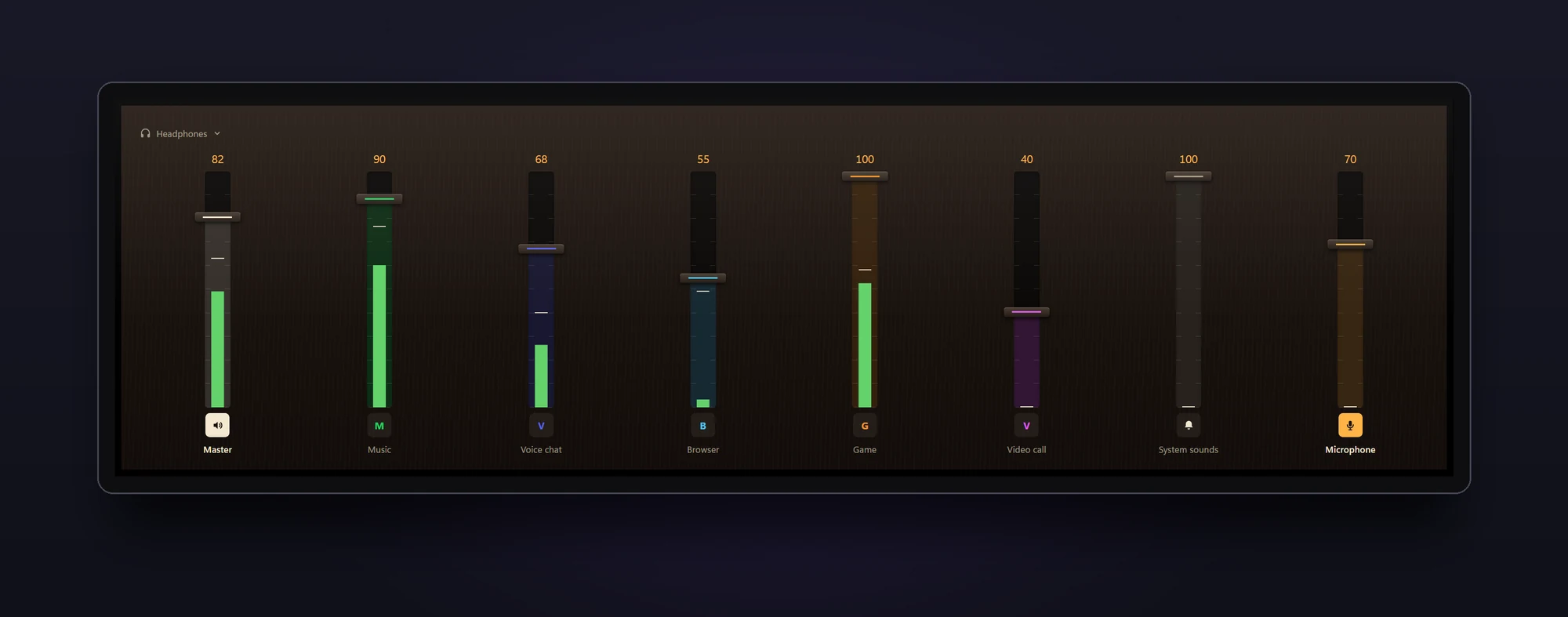
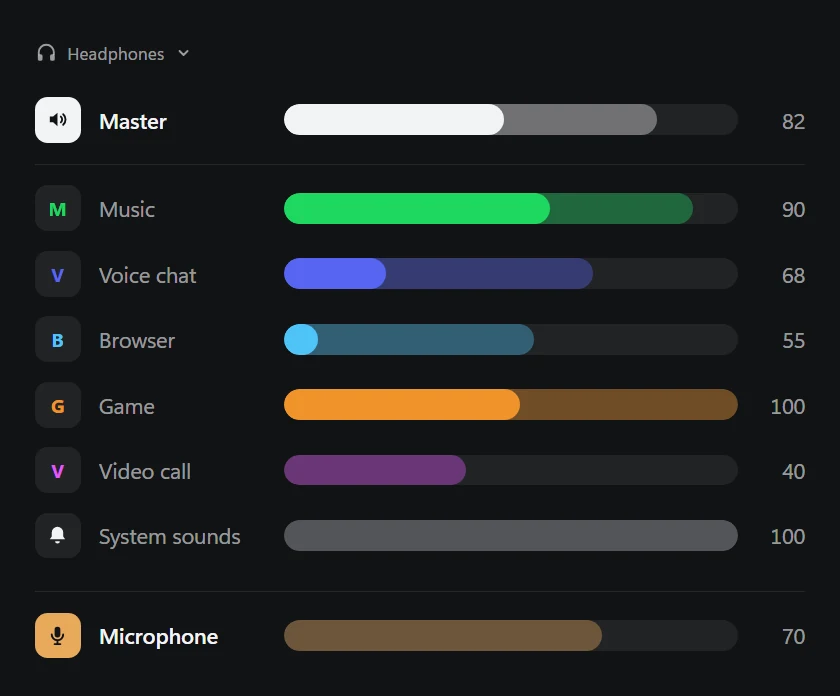
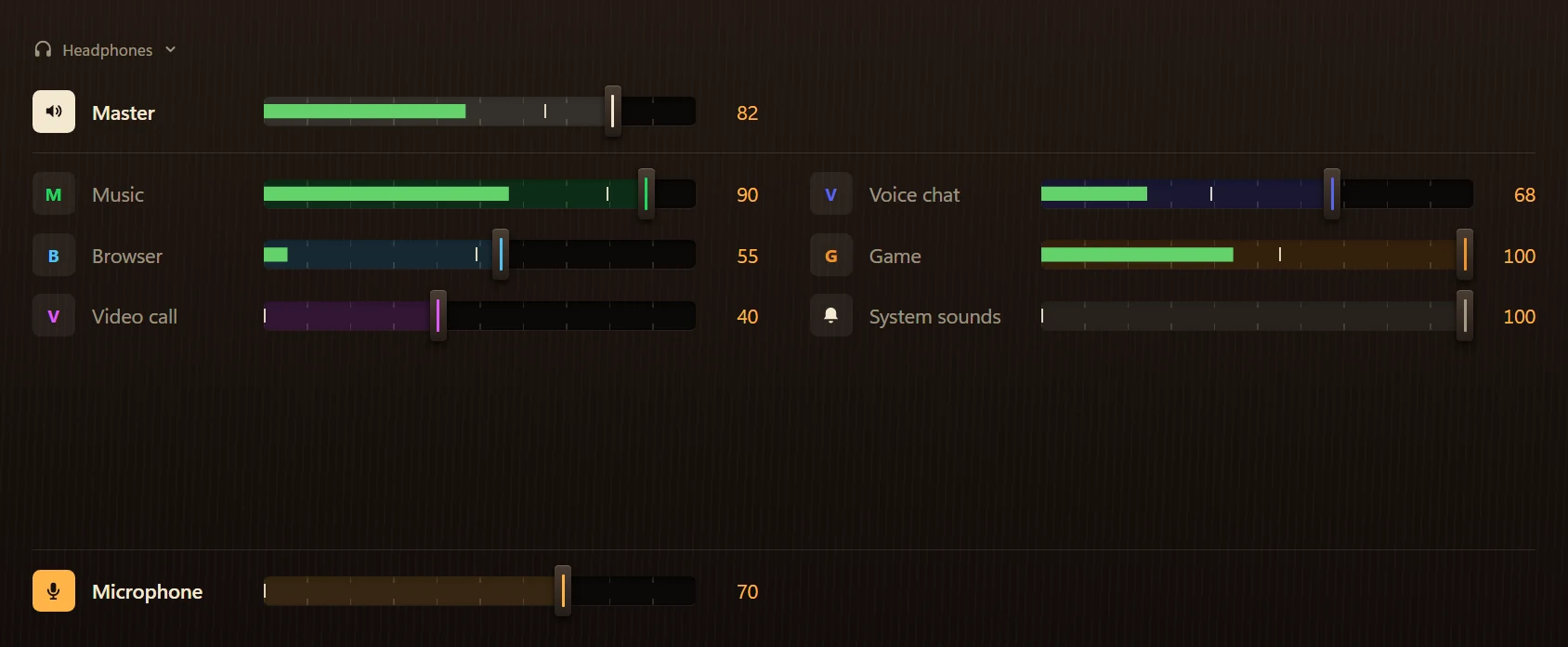
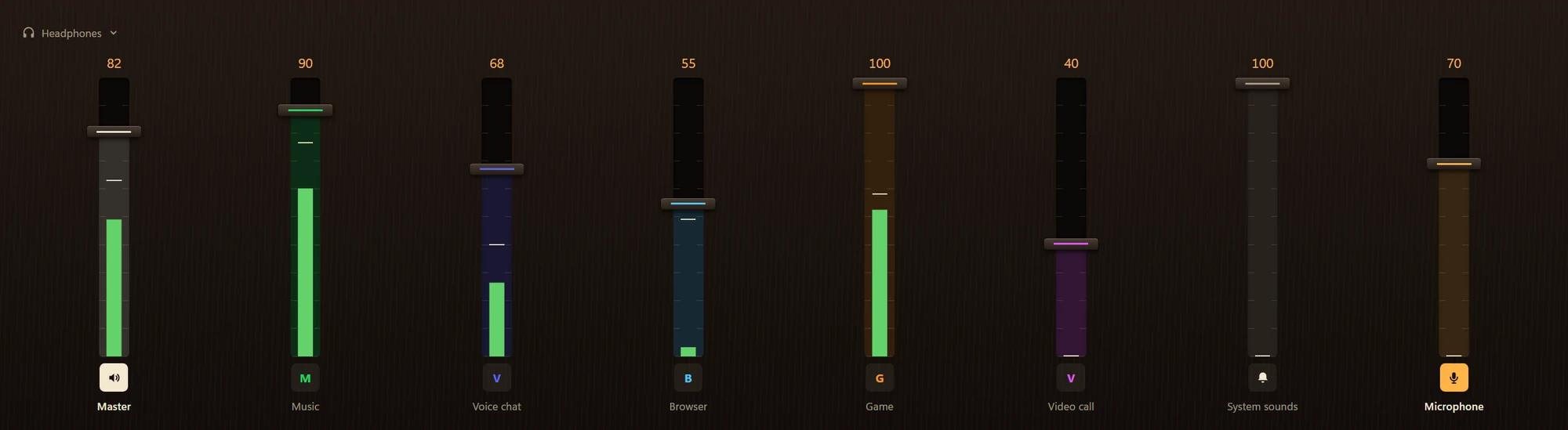
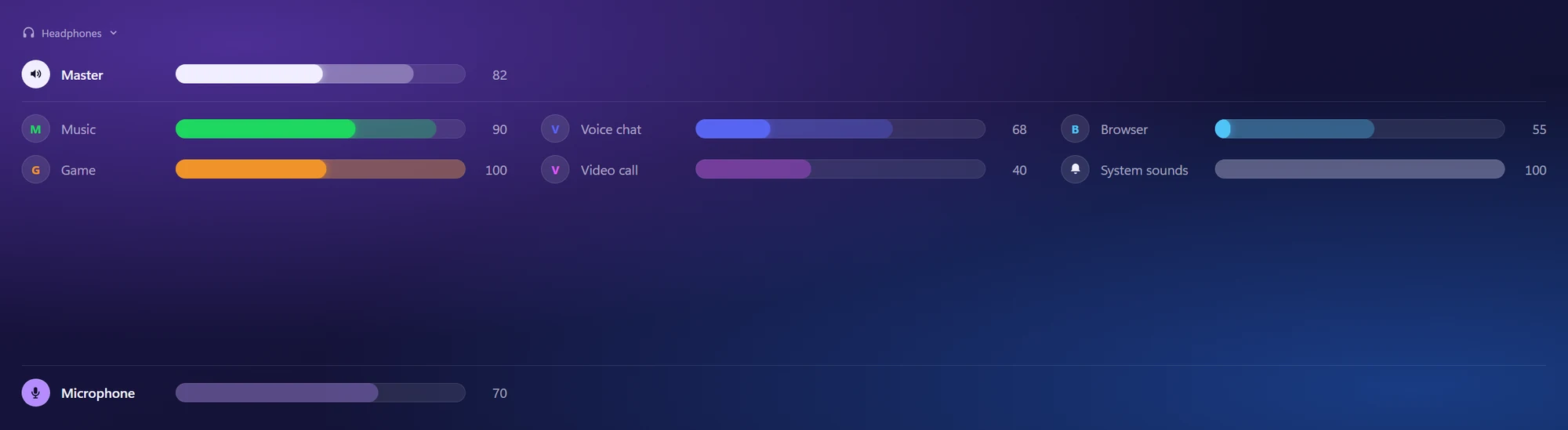
Every app that is playing sound gets a slider with a level meter. The master is at the top, the microphone at the bottom. Apps show up by themselves as soon as they play sound and disappear when you close them. You set the real Windows volumes, so your changes stay.
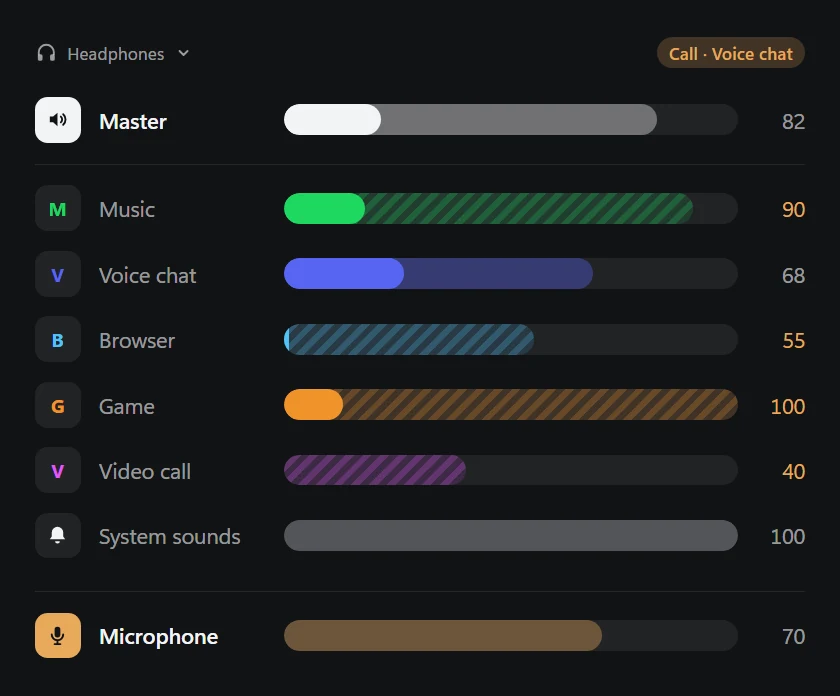
When someone talks in Discord, Teams, Zoom or a similar program, all other apps get quieter automatically. The default is 30 percent, and you can change it. When the call is over, they get louder again. The widget shows the note “Call · Voice chat”, and the apps that were turned down are striped.
Right on the widget you switch, for example, between speakers and headphones without going into the Windows settings.
If the PC crashes in the middle of a call, the apps get their volume back at the next start. They do not stay quiet.
You can choose between eight designs: Carbon, Paper, Rosé, Phosphor, Nebula, Block, LED and Studio. Or you use your own colors and a background picture of your own.
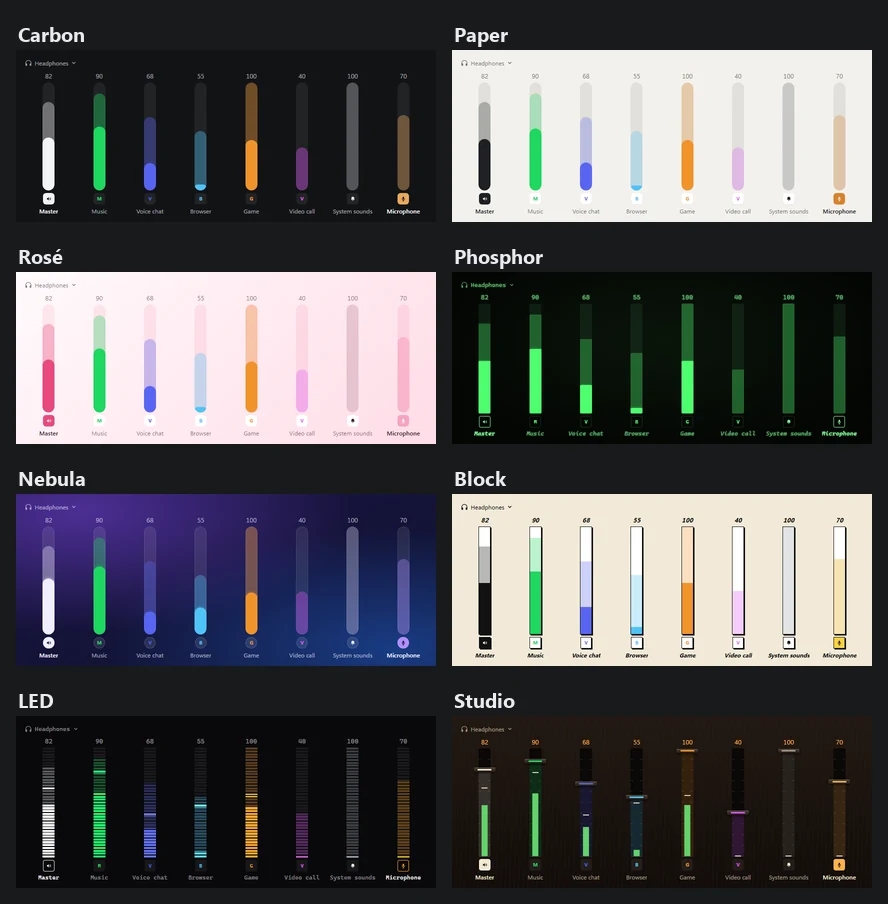
The widget shows the sliders in rows or in columns. It fits every size of the Edge, from small (S) to XL, horizontal and vertical.
MixdeckEdge-Setup-0.9.0.exe. Start it. You do not need administrator rights.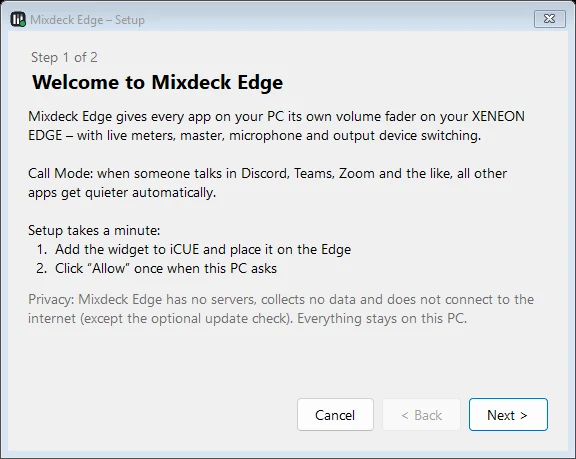
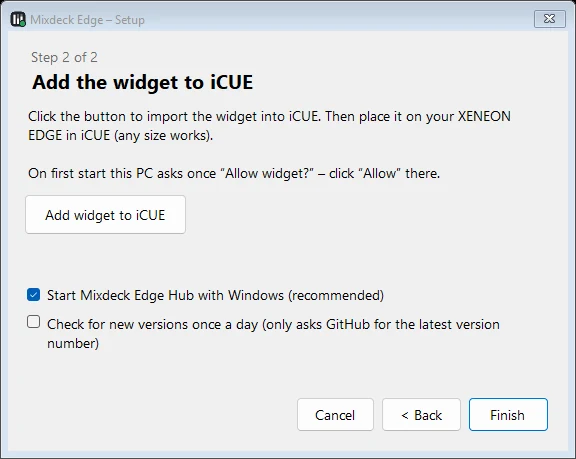
The two pages of the setup assistant. Setting up takes about a minute. All steps are in the setup guide on GitHub.
Brings your Home Assistant to the CORSAIR XENEON EDGE touchscreen as glowing live tiles: switch and dim lights and heating.
Shows a calm space scene with a big clock on the CORSAIR XENEON EDGE touchscreen, plus tasks, calendar, timer, music and shortcuts.
Shows temperature, load and FPS of your PC on the CORSAIR XENEON EDGE touchscreen, with 55 styles and a temperature warning.
Control Discord from the CORSAIR XENEON EDGE touchscreen: voice channel, chat and direct messages, without leaving your game.
Shows in Claude Code how full the session is and advises you in good time to start fresh. With a handover note for the next session.
Mixdeck Edge is an independent project and is not affiliated with CORSAIR. iCUE and XENEON are trademarks of CORSAIR.