PlanoraCAD – User Guide

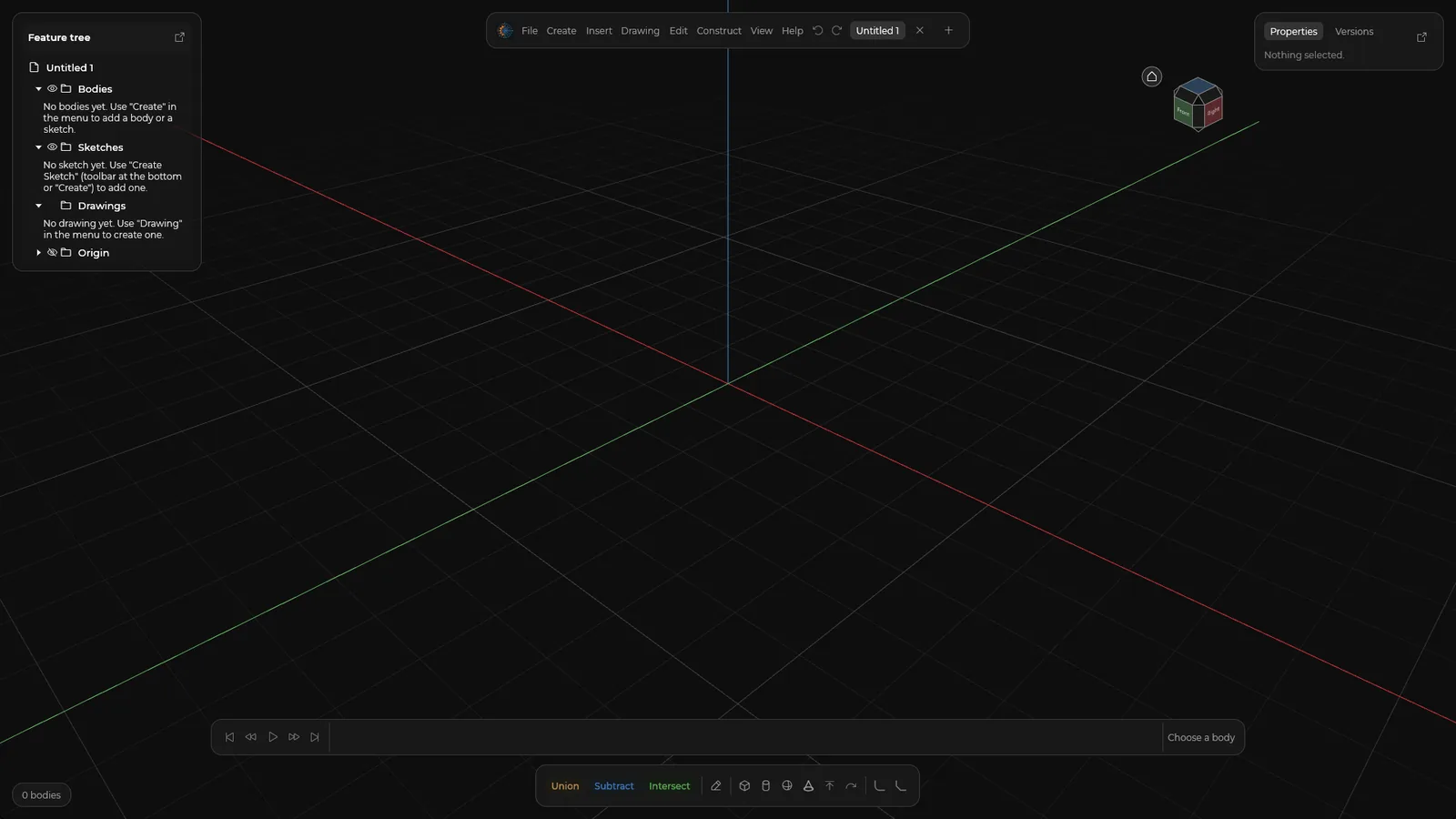
PlanoraCAD is a free 3D CAD program. You use it to design parts on the computer: you draw sketches, turn them into bodies and create technical drawings. You can export your parts for 3D printing or for other CAD programs.
Who is PlanoraCAD for?
- For anyone who wants to design their own parts, for example for 3D printing, brackets or housings.
- For anyone who needs a technical drawing with dimensions and a parts list.
- If you have used other CAD programs before, you will feel at home quickly. The controls and keyboard shortcuts follow common CAD programs.
What can PlanoraCAD do?
- Sketches with lines, rectangles, circles, arcs, polygons, slots, ellipses, splines and text, plus constraints and dimensions. You type values directly while drawing.
- Changing sketches: trim, round corners, offset, move, patterns. Project edges of bodies, insert DXF and SVG files, use pictures as a template. Curves in space as well (3D sketch).
- Bodies from basic shapes (box, cylinder, sphere, cone) or from sketches (extrude, revolve).
- Modifying bodies: union, subtract, intersect, move, fillet and chamfer.
- Construction planes: your own planes, for example at a distance or at an angle.
- Parametric design: every step stays editable. Dimensions can have names and formulas.
- Technical drawings with views, sections, dimensions, parts list and PDF output.
- Projects and versions: every save creates a version you can go back to.
- Exchange: export STL, OBJ, 3MF, glTF and STEP; import STL, OBJ and STEP.
- Add-ins: PlanoraCAD can be extended with small extra programs that you pick from a catalog.
- English and German, dimensions in millimeters or inches.
Development status
PlanoraCAD is still at an early stage of development. The current version for trying it out is the developer version 0.0.2-dev.5 from November 2026. It is not meant for everyday work yet. Expect bugs and keep extra backups of important projects. The program runs on Windows (64-bit) and comes with an installer there. It can install new versions by itself if you want. It also runs on Ubuntu, where you build it yourself and get no updates from within the program (see FAQ).
What changed in each version is listed in the release notes on the releases page.
Some calculations are refused rather than giving a wrong result. The program then tells you why. More on this under FAQ and troubleshooting.
Reporting bugs and requesting features
Found a bug or missing something? In the program, choose "Help" → "Feedback …" (Ctrl+Shift+R). This works without a GitHub account too. The details are under FAQ and troubleshooting. The project board shows what is planned and what is being worked on.
Contents
- Getting started – download, install, first model
- The interface – layout of the window
- Navigating the 3D view – rotate, pan, zoom, select
- Guides – common tasks step by step
- Tool reference – every tool in brief
- Keyboard shortcuts
- Projects and saving
- Import and export
- Settings and updates
- Add-ins – install and manage extensions
- FAQ and troubleshooting – including crash reports and feedback
License
PlanoraCAD is open source under the GPL-3.0 license. You can find the source code on GitHub at github.com/KaelanTesseract/PlanoraCAD.