HyperLED Wiki
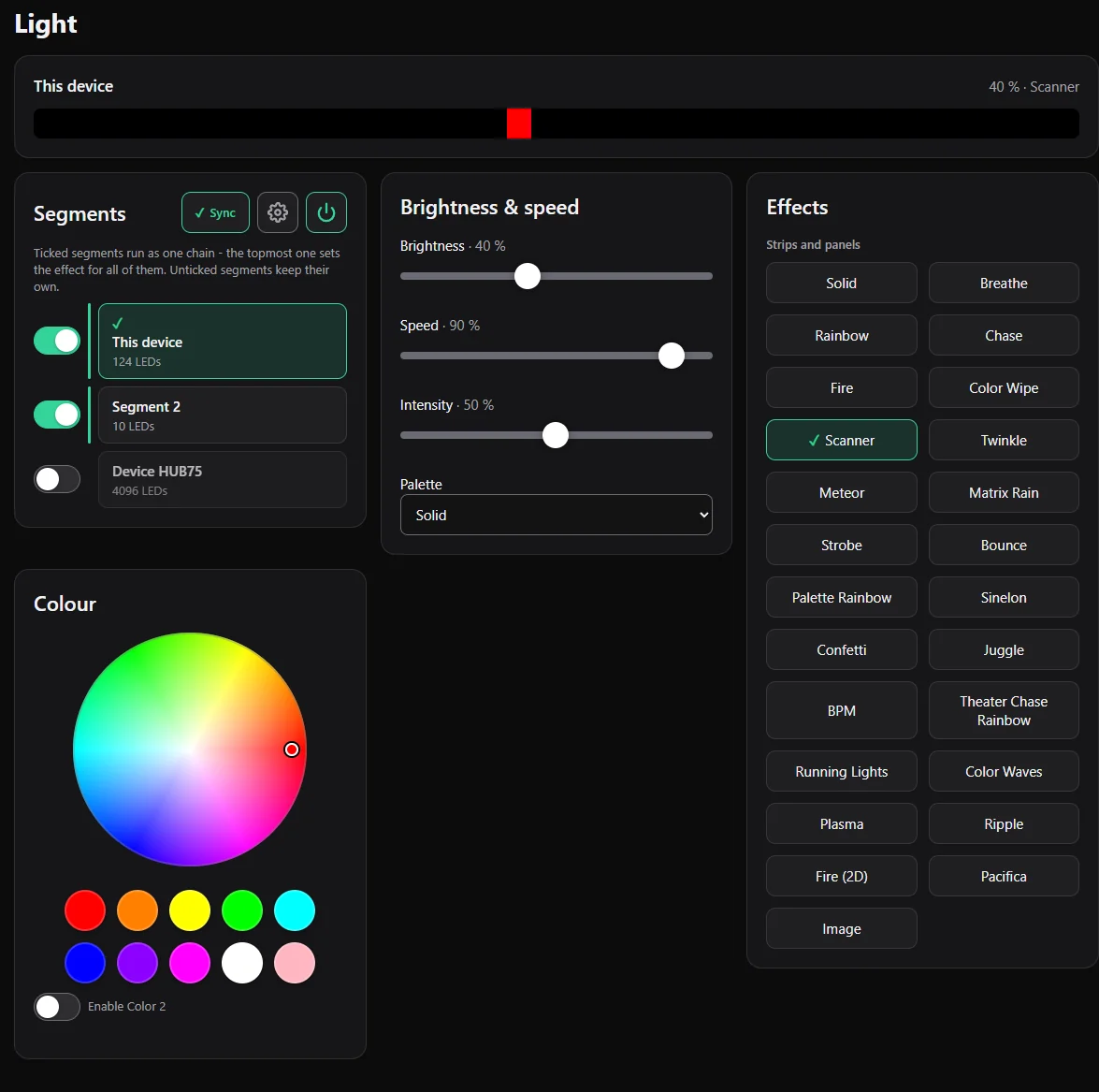
HyperLED turns a small ESP32-S3 board into a smart controller for addressable LED strips and LED panels. You control it from any phone, tablet or computer in your home network - no cloud, no account, no app needed. It has about 30 effects, scenes, schedules, clocks and weather for LED panels, Home Assistant support and a plugin system.
This wiki walks you through everything you need, from buying parts to smart-home automations. It describes version 0.3.006.
Where do I start?
| I want to … | Read |
|---|---|
| know what to buy | What you need |
| connect the LEDs safely | Wiring and power |
| put HyperLED on the ESP32 | Install the firmware |
| make the first LEDs light up | First light |
| understand the web interface | Web interface tour |
Everything else
- Using it every day: Effects, colours and segments · Scenes, playlists and schedules · Panels and elements (clock, text, weather)
- Going bigger: Several devices (Master and Slaves) · Buttons and switches · Home Assistant and MQTT · Plugins
- Looking after it: Updates, backup and reset · Troubleshooting
- For developers: For developers
What is in the box?
- Effects: rainbow, fire, plasma, chase, confetti, Matrix rain and many more, with speed, intensity and palettes.
- Segments: split one strip into zones that each have their own effect and colour.
- Scenes: save a lighting mood, play several in a row, or switch them on a schedule.
- Panels: HUB75 panels and LED matrices show a clock, date, text, scrolling text, weather and pictures.
- Several devices: connect more ESP32 boards by cable or by radio (ESP-NOW) and control them all from one place.
- Smart home: MQTT with automatic discovery in Home Assistant.
- Plugins: small files that read a value from the network (for example a 3D printer's progress) and show it as light.
- Safe power: an automatic brightness limiter protects your power supply.
Good to know
- HyperLED is free and open source (EUPL-1.2). Source code: github.com/KaelanTesseract/HyperLED.
- Found a bug or have an idea? Open an issue.
- Screenshots in this wiki show the web interface in English. It also speaks German and Russian (Settings → System → Language).