Buttons and switches
You can switch the light with a physical push button or toggle switch, for example next to a door. HyperLED has two inputs for this.
Wiring
Connect each button or switch between the input pin and GND. HyperLED switches on the internal pull-up resistor of the pin, so you need no extra parts.
| Input | Default pin (ESP32-S3) |
|---|---|
| Input 1 | GPIO 39 |
| Input 2 | GPIO 40 |
ESP32 GPIO 39 ──[ button ]── GND
Switch it on
Open Devices → LED hardware → Hardware inputs and switch on the input you use. Choose its Type:
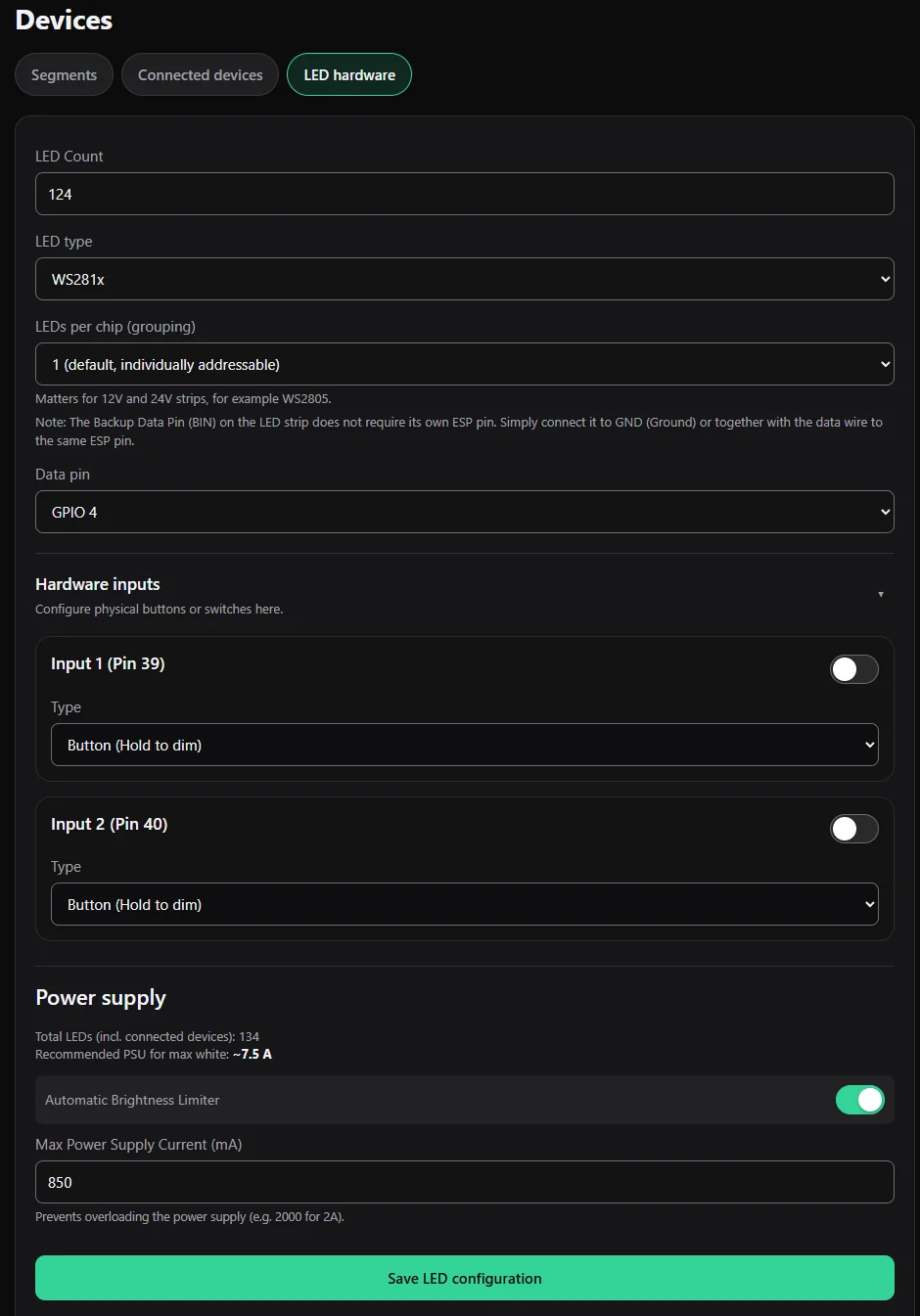
| Type | Behaviour |
|---|---|
| Button (Hold to dim) | A short press (under half a second) switches the light on or off. Holding the button dims: the brightness changes smoothly up or down while you hold. At the next hold it goes the other way. |
| Switch (On / Off) | Every time the switch is flipped (either way), the light switches on or off. |
Save with Save LED configuration.
The buttons control the first segment (the first one in your segment list). Use Home Assistant for more (below).
In Home Assistant
Every enabled button shows up in Home Assistant as an event with the event types kurz (short press), lang (hold) and umgelegt (switch flipped). You can use them for any automation, for example to toggle a lamp elsewhere. On the controller the button keeps doing what it did. See Home Assistant and MQTT.